


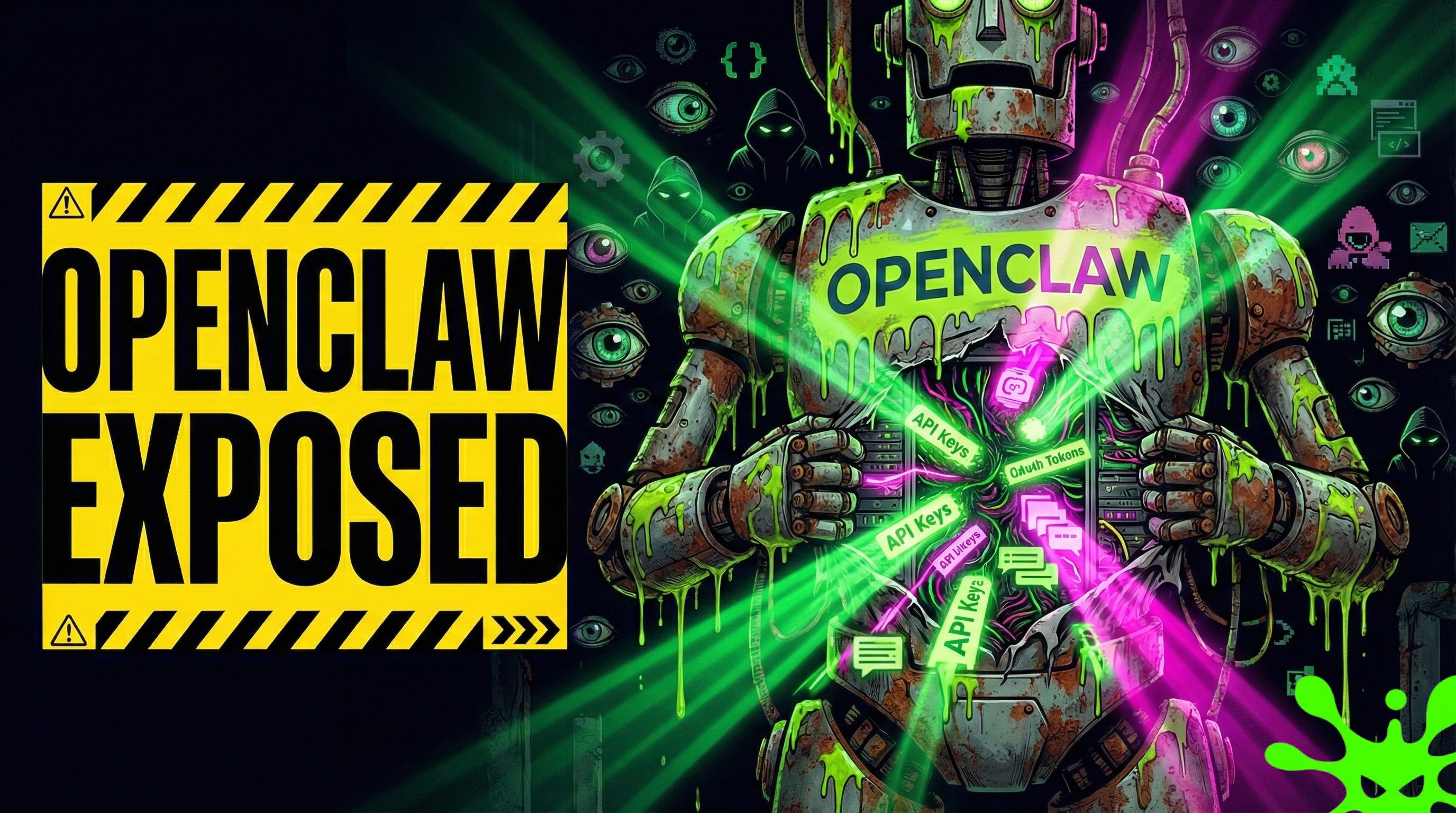
TL;DR: OpenClaw went viral. So did its attack surface. Hundreds of instances are sitting on Shodan with zero authentication, leaking API keys, chat histories, and OAuth tokens. The default configuration trusts every connection from localhost. Most deployments never change it.
This is the public feed. Upgrade to see what doesn’t make it out.
Why Are Hundreds of OpenClaw Instances Leaking Credentials on Shodan?
OpenClaw is an open-source AI agent platform: software that connects large language models (the AI engines behind tools like ChatGPT and Claude) to your email, shell, calendar, and code repositories. It went viral last week. Hundreds of people spun up instances. Security researcher Jamieson O’Reilly ran a search on Shodan, a search engine that indexes every device and service visible on the public internet, for “OpenClaw Control.” Seconds later: hundreds of hits.
Each exposed instance handed over full WebSocket access (a persistent two-way connection between browser and server) to configuration data. Anthropic API keys, Telegram bot tokens, Slack OAuth secrets (temporary credentials that grant account access), signing keys, and months of conversation histories. All readable. No login required.
One AI software agency had unauthenticated command execution on their production host. No exploit needed. Just a WebSocket connection to an open port. The project docs actually warn about this. The quick-start guides just don’t make it hard to ignore.
How Does a Localhost Authentication Bypass Break OpenClaw Security?
Here’s the failure mode. OpenClaw auto-approves any connection from localhost (127.0.0.1), the network address a computer uses to talk to itself. If a request comes from that address, the gateway skips authentication entirely and grants full access.
That sounds reasonable until you add a reverse proxy: software like nginx or Caddy that sits between the internet and your application, forwarding incoming requests. Most production deployments use one. The proxy runs on the same machine, so every request it forwards appears to come from localhost. The gateway sees a local connection. External users get the same trust as the machine itself. If you’re unfamiliar with how prompt injection compounds this problem, an attacker doesn’t even need gateway access to start extracting data.
// The auth logic that breaks in production
if (connection.remoteAddress === '127.0.0.1') {
  grantFullAccess(); // No password, no token, nothing
}
The fix exists. A configuration option called gateway.trustedProxies tells the gateway to inspect forwarded headers instead of trusting the source address blindly. The default config doesn’t set it. The installation scripts open port 18789 to the public internet.
The quick-start workflow doesn’t enforce the setting, check for it, or warn when it’s missing. Full unauthenticated access from anywhere, by design.
Why Every Connected Tool Expands the AI Agent Attack Surface
OpenClaw doesn’t just chat. It reads and writes files, executes shell commands (direct instructions to the operating system), controls a browser, and sends messages as you across Slack, Discord, Telegram, WhatsApp, and Signal. Each integration hands the agent a new capability, and anyone who compromises the gateway inherits all of them. The same tool poisoning mechanics that hit MCP servers apply anywhere an AI agent processes untrusted input.
Connect Gmail with full read/write scope? An attacker with gateway access can read, send, and delete every email. Connect GitHub with repo push access? Malicious code commits land in production. Connect a shell with no command restrictions? Full control of the host machine. SlowMist, a blockchain security firm, found instances running with root privileges (the highest permission level on a system) and zero privilege separation. One compromised agent meant one compromised server.
The architecture concentrates power by design. AI agents need broad access to be useful. When the OpenClaw defaults ship wide open, all that access collapses into a single unauthenticated entry point sitting on the public internet. Every tool you add is another capability an attacker inherits for free. For a broader look at how these vulnerabilities fit the AI threat landscape, see the AI Security 101 primer.
Paid unlocks the unfiltered version: complete archive, private Q&As, and early drops.
Frequently Asked Questions
Is OpenClaw Insecure by Design or Just Misconfigured by Users?
The docs warn about security. The defaults ship insecure. When hundreds of instances are exposed within days of going viral, the design is the problem. Secure defaults aren’t optional for tools with this much access. The OpenClaw Security Checklist covers the exact configuration changes that close these gaps.
Can Running OpenClaw Locally Prevent Credential Exposure?
Running locally shrinks the attack surface but doesn’t close it. Prompt injection (tricking the AI into following hidden attacker instructions) still works through any connected messaging platform. Credentials still sit in plaintext on disk. “Local only” helps. It doesn’t solve the architecture.
Does Claude’s 99% Prompt Injection Resistance Make OpenClaw Safe?
Anthropic claims roughly 99% prompt injection resistance for Claude Opus 4.5 under direct testing conditions. Indirect injection through email, documents, and webhooks is a different threat model entirely. One success in a hundred attempts is plenty when attackers can automate thousands.
ToxSec is run by a USMC veteran and Security Engineer with hands-on experience at AWS and the NSA. CISSP certified, M.S. in Cybersecurity Engineering. He covers security vulnerabilities, attack chains, and the tools defenders actually need to understand.
Feel free to AMA. If your spinning up Moltbot this weekend, make sure you also run through the Moltbot Security Checklist.
https://www.toxsec.com/p/openclaw-security-checklist
✅ MoltBot running securely on AWS
✅ Farrell alive and accessible via Telegram
✅ Security hardened (ports, firewall, permissions)
✅ Attack surface minimized (Telegram only)
Thanks ToxSec!